
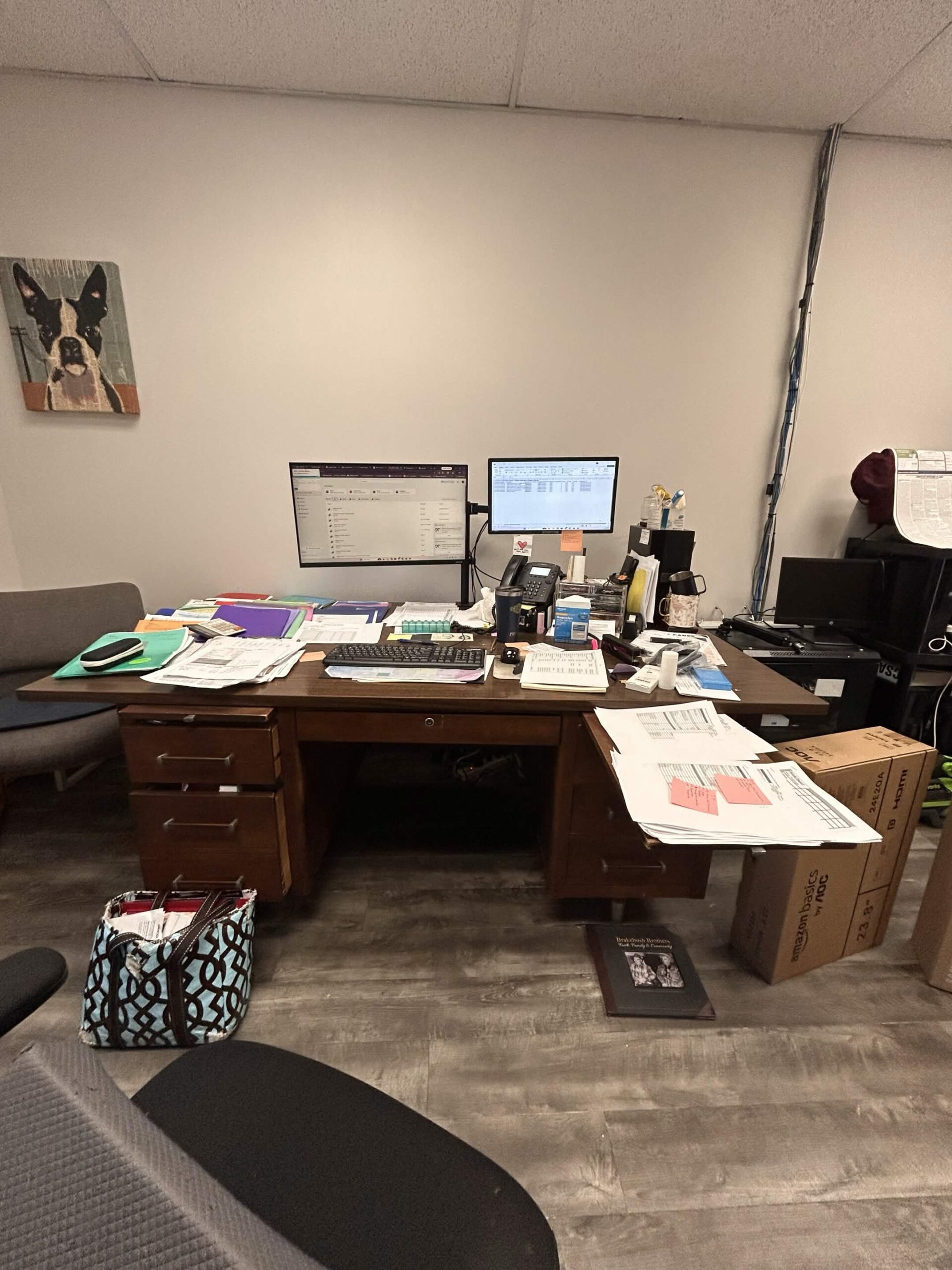
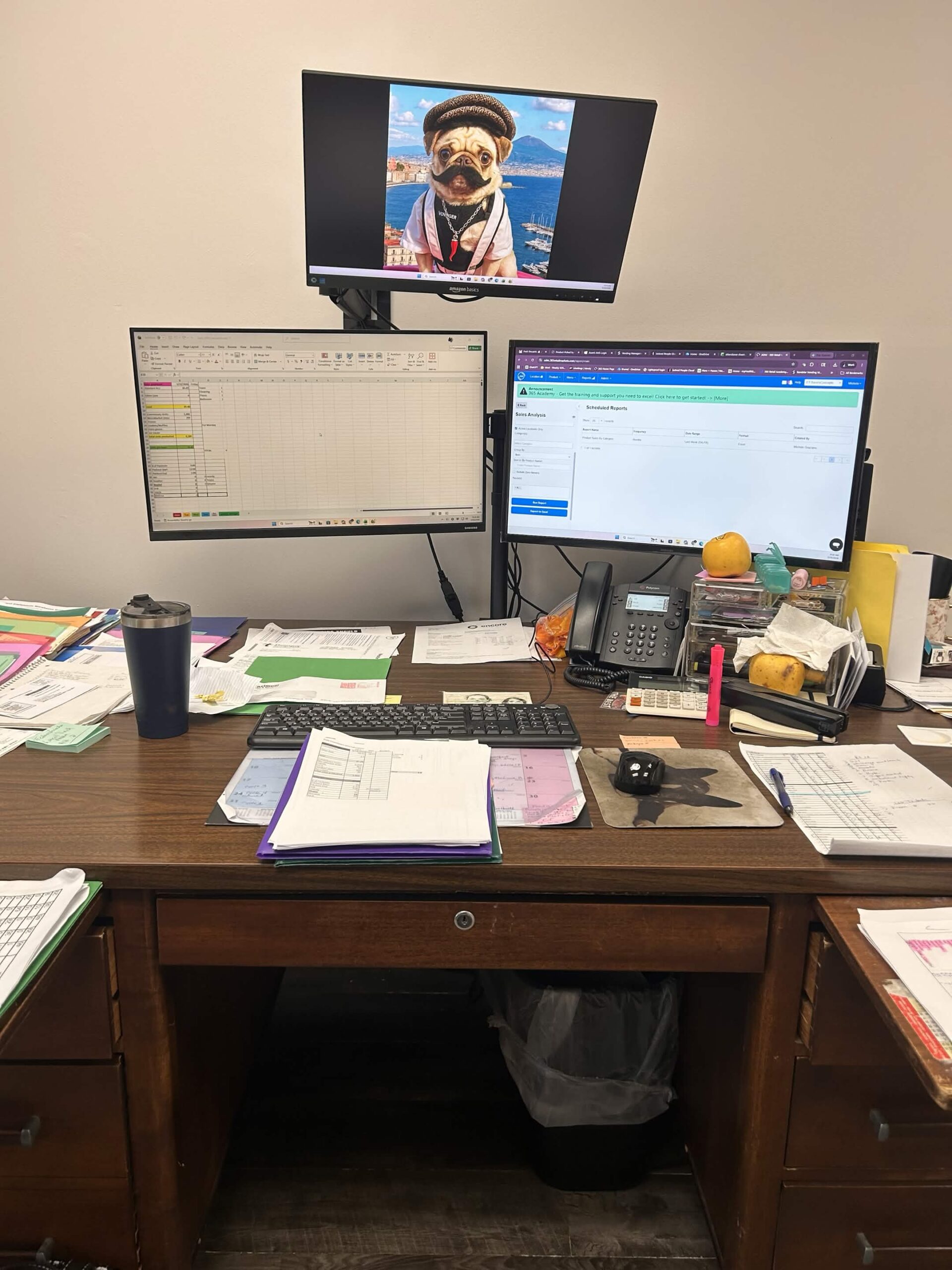
Whether you’re working from a spreadsheet, writing emails, managing projects, or running design software — a single monitor just isn’t enough anymore. Multiple displays let you spread your work across screens so you can stay focused, move faster, and get more done every day.
Why Multiple Monitors Make a Difference
- Less switching, more doing — Keep your email open on one screen while you work on another. No more minimizing and hunting for windows.
- Better multitasking — Reference a document on the left, type on the right. Video call on one screen, notes on the other.
- Reduced errors — Copy data between applications side by side without toggling back and forth.
- More comfortable workspace — Spread things out naturally the way you think, not crammed into one tiny window.
We Handle the Full Setup
Adding a second — or third — monitor isn’t just about plugging in a cable. Our team handles everything from selecting the right mount and display to configuring your system so everything works seamlessly together.
- Monitor selection and sourcing
- Wall and desk mount installation
- Cable management and clean wiring
- Display configuration and calibration
- Taskbar, workspace, and resolution setup

Works on Windows & Mac
We support multi-monitor setups on both Windows PCs and Apple Mac systems. Whether you’re running Windows 10, Windows 11, or the latest macOS — we’ll get your displays configured and working properly.
Ready to Upgrade Your Workspace?
Give us a call at 860.239.0708 or contact us here to schedule your multi-monitor setup. We serve businesses throughout Farmington, CT and the surrounding area.